That "I Have Paid" Screenshot Could Be Fake. Stop Guessing
Fake mobile money alerts and edited screenshots cost small businesses real money. Here is how the scam works, how to spot it, and how to only ship orders that are actually paid.

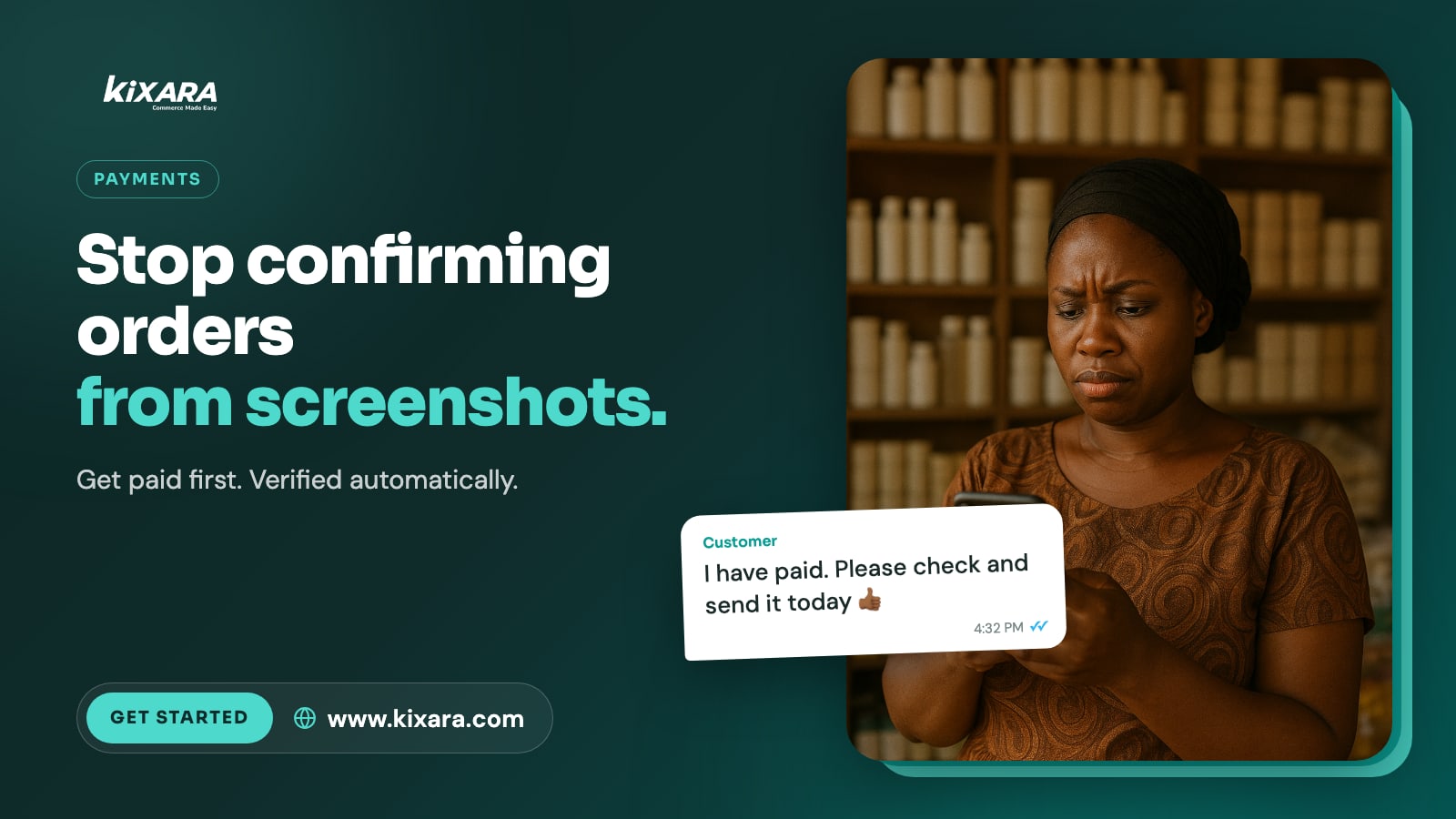
The order came in on Friday afternoon. Two dresses, express delivery. A few minutes later the customer sent a screenshot of a mobile money transfer and a message: "I have paid. Please check and send it today."
The screenshot looked real. The amount was right. Busy with other customers, you packed the order and handed it to the rider.
On Monday you checked your balance. The money never arrived.
Versions of this story are shared in seller groups across Ghana every week. Some sellers lose a single order. Some lose a week of profit. Almost all of them trusted a picture instead of their actual balance.
How the fake payment scam works
There are a few common versions:
Edited screenshots. A real transaction screenshot with the amount, name or date changed in a photo editing app.
Fake SMS alerts. A text message made to look like a mobile money notification, sent from an ordinary phone number.
Reversal tricks. A real payment is sent, then the sender tries to get it reversed after the goods are delivered.
Pressure. "I am in a hurry, the rider is waiting, please just send it." Urgency stops you from checking.
Warning signs to watch for
The alert came from a normal phone number instead of your network's official sender.
The new balance in the message does not match your real balance.
The customer is unusually pushy about sending the goods immediately.
The screenshot arrives seconds after you share your number, faster than a real transfer usually takes.
The sender's name does not match the customer, and there is a complicated story about why.
The golden rule is simple: a screenshot is not a payment. Your balance is.
Why checking by hand does not scale
Checking every payment yourself works when you have three orders a day. At thirty, it becomes another job. You are switching between WhatsApp, your MoMo app and your notebook, matching names and amounts while new customers keep messaging.
That is exactly when mistakes happen.
Let the payment confirm itself
With Kixara, customers pay through a secure checkout link powered by Paystack, using mobile money or card. You never need to share your personal number, and nobody needs to send you a screenshot.
An order only counts as paid when Paystack confirms the money has actually landed. If a customer on WhatsApp or Instagram says "I have paid", Kixara's smart assistant does not take their word for it. It checks the real payment status first:
If the payment went through, the order is confirmed and the customer is told straight away.
If it is still processing, the customer is told it has not arrived yet, and the order confirms itself the moment it does.
If it failed, the customer gets a fresh payment link to try again.
You see real, paid orders in your dashboard. No guessing, no matching screenshots to SMS alerts.
Ship orders when the money is in, not when the picture looks right.
Protect your business today
Never release goods based on a screenshot alone.
Check your real balance or payment dashboard, every time.
Slow down when a customer creates urgency.
Move to payment links so confirmation happens automatically.
Getting paid should be the easy part. Start selling with verified payments on Kixara.